
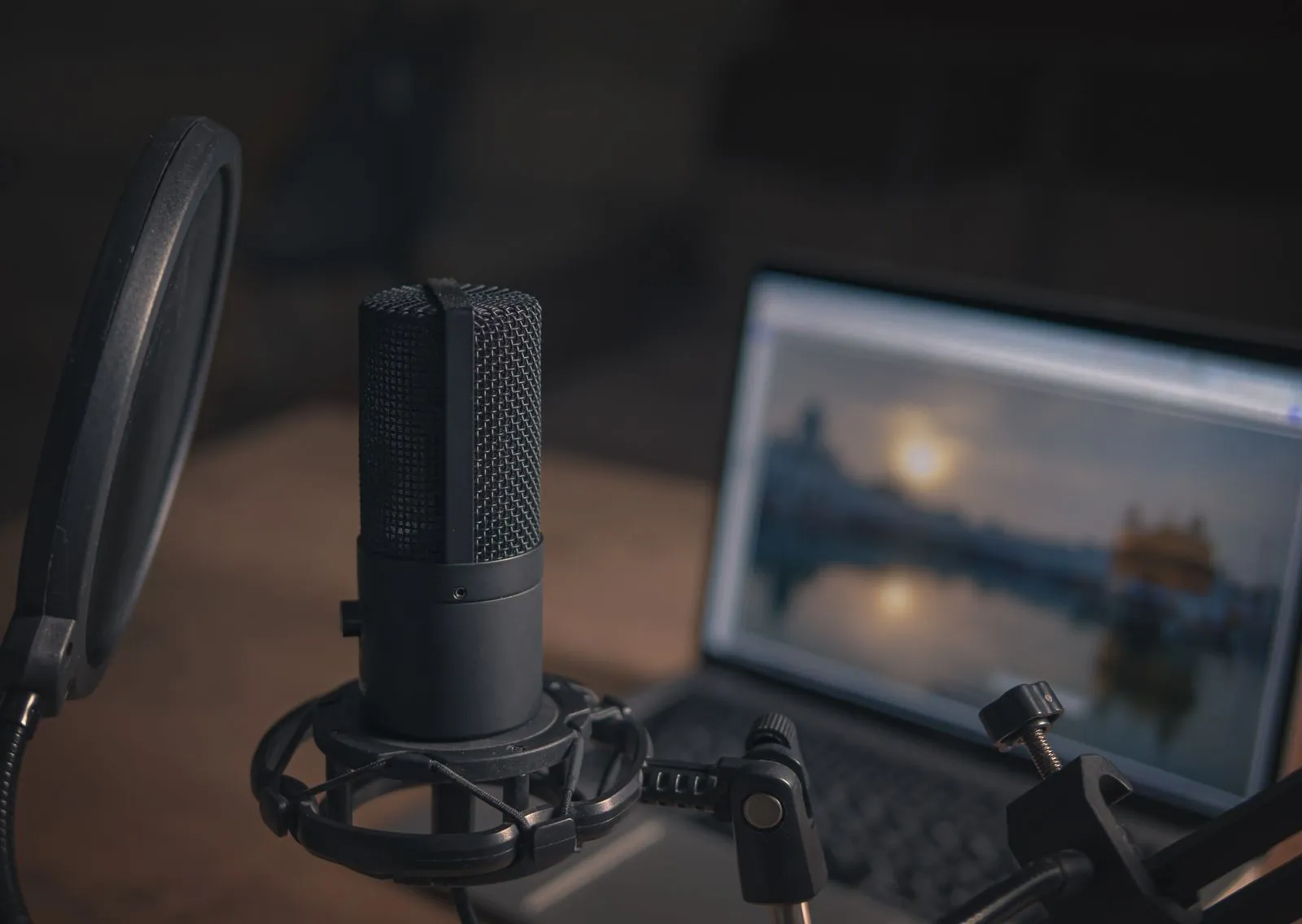
A raw podcast recording often includes more than the conversation: long pauses, repeated takes, background noise, and volume changes can all distract listeners. Podcast editing shapes that recording into a clear, comfortable episode while preserving the hosts’ natural voices and personality. The exact work depends on the show and its goals, but most edits cover a few practical stages, from cleaning up the conversation to balancing audio and exporting a ready-to-publish file.
Clean Up the Conversation
An editor can remove obvious mistakes, repeated phrases, long dead air, and interruptions that do not add to the discussion. They may tighten the pacing by shortening pauses, but should leave enough breathing room for the conversation to feel natural. The goal is not to make every speaker sound scripted; it is to help listeners follow the episode without getting pulled out by avoidable distractions.
Editors also listen for mouth clicks, sharp breaths, chair squeaks, and other small noises. Some can be reduced without affecting speech, while others are best left alone if removing them would make a voice sound unnatural. Before editing, note any sections you want kept or cut, especially spontaneous moments that carry the show’s character.
Reduce Noise and Fix Issues
Background hum, room noise, and computer fan sounds can make speech harder to hear. An editor may reduce steady noise and use targeted adjustments for brief interruptions. These tools work best when the unwanted sound is consistent and does not overlap heavily with the speaker. Strong processing can create hollow or metallic voices, so careful cleanup usually sounds better than trying to erase every trace of the room.
Editing can also address recording problems such as uneven levels, clipping, or a remote guest who sounds distant. Some issues can be improved after recording, but not every problem can be fully repaired. Recording in a quiet space, positioning the microphone properly, and checking levels before the session make a noticeable difference before the editing work even begins.
Balance Voices and Music
When several people speak, their voices may arrive at different volumes. An editor adjusts levels so listeners do not have to turn the volume up and down between speakers. Equalization and gentle compression may also help speech sound more consistent and intelligible. These adjustments should support the recording, not change the speaker’s voice beyond recognition.
Intro music, outro music, transitions, and sound effects need their own level adjustments. Music should establish the mood without competing with spoken words, and transitions should fit the pace of the show. If the episode includes music or other third-party audio, confirm that you have permission to use it and that the license covers your intended release.
Prepare the Finished Episode
After the edit, the episode is mixed and exported in a format suitable for your podcast host or distribution workflow. The editor may also check the beginning and ending, listen for abrupt cuts, and confirm that the finished file plays cleanly. Ask what file type and loudness requirements your host recommends, since delivery needs can vary.
An editing package may include only audio cleanup, or it may also cover assembly, music placement, a final quality check, and revisions. Before work begins, agree on what is included, how you will share recordings and edit notes, and whether the editor will provide a transcript or separate clips. Mountain Sound Studio in Charleston, WV, can help clarify which editing tasks fit your show.
Podcast editing can be a light polish or a detailed cleanup, depending on the recording and the style you want. Start by identifying the distractions that matter most, then confirm the editor’s deliverables and revision process. With a clear plan, your episode can sound focused while still feeling like you. Reach out to an editing studio to discuss what your next recording needs.